Why "Deleted After 1 Hour" Is Not a Privacy Promise
2026-04-23 · 6 min read · PDFTasker Team
"The site says it deletes my file after one hour. Is that enough?"
That question comes up whenever someone has to handle a tax form, a contract, a school document, or an ID scan with a free PDF tool.
Short answer: usually not.
The problem is not that timed deletion is fake. It may be real. The problem is that it answers a smaller question than users think it answers.
It answers retention.
It does not answer exposure.
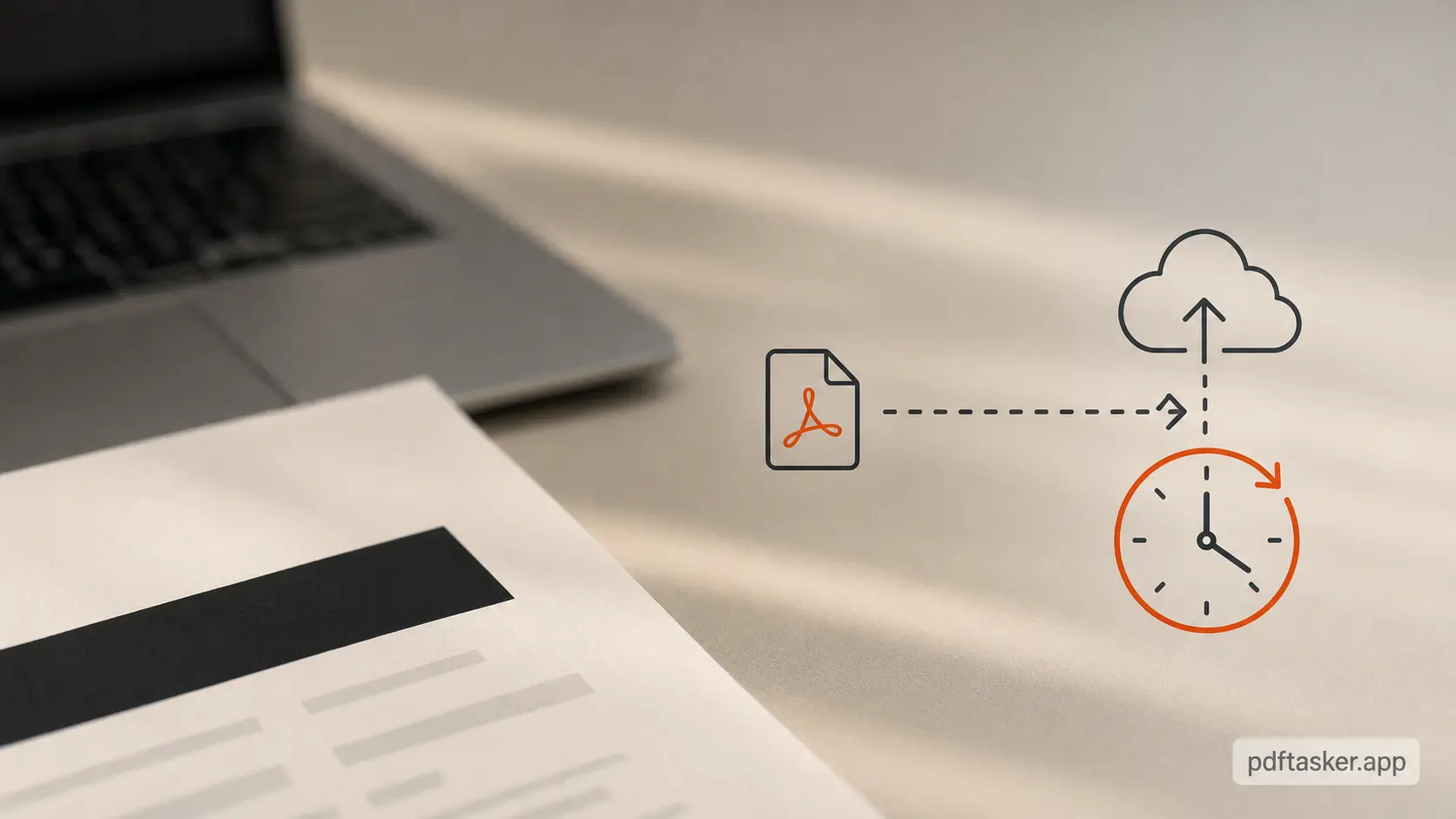
The promise starts after the risky part
Upload-first PDF tools have a simple path. You choose a file. The browser sends it to a server. The server does the work. You download the result. Then the service may delete the file after a fixed window.
That final step can be useful. A shorter retention window is better than keeping files around forever. No argument there.
But it is not the same as privacy.
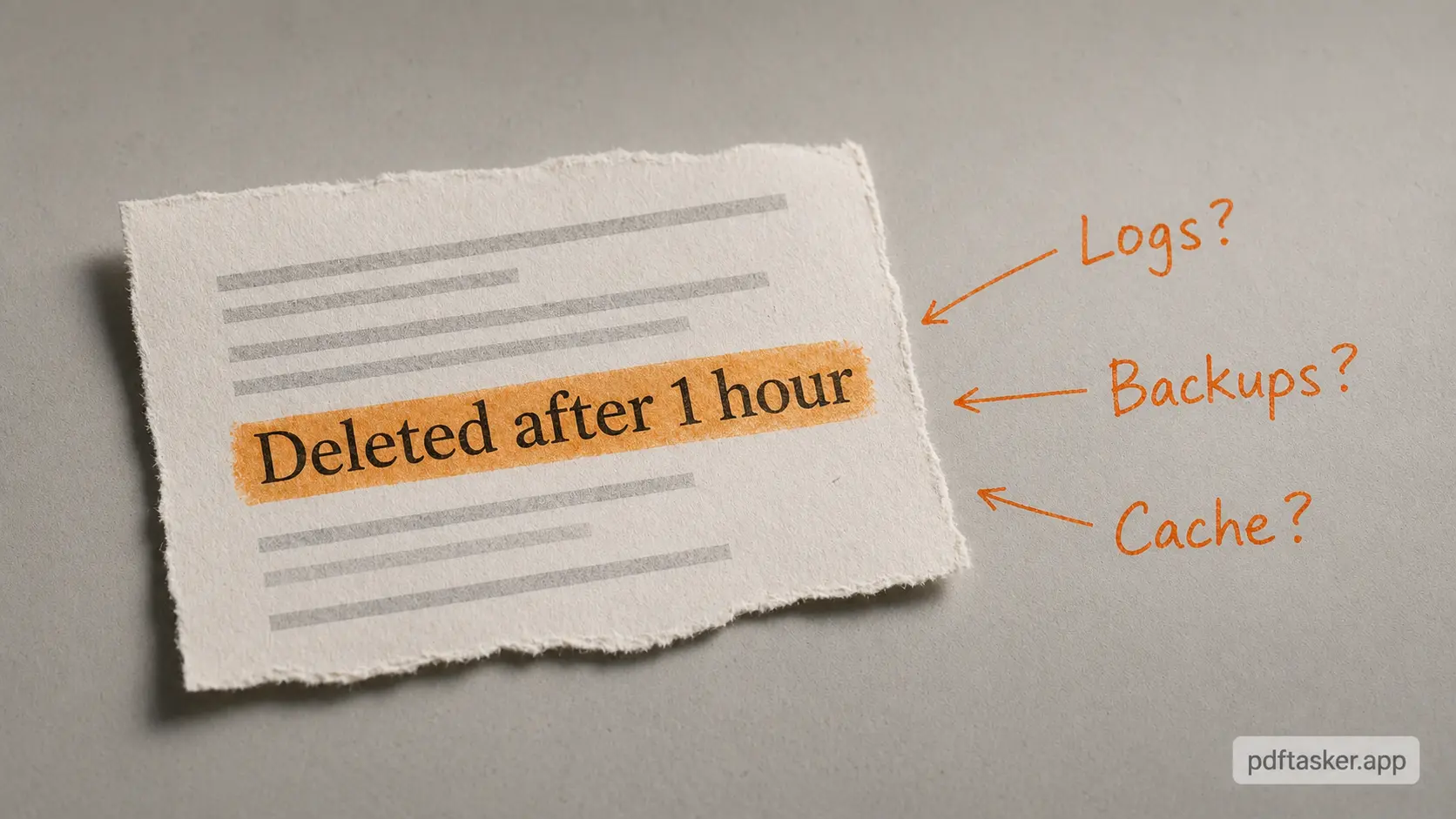
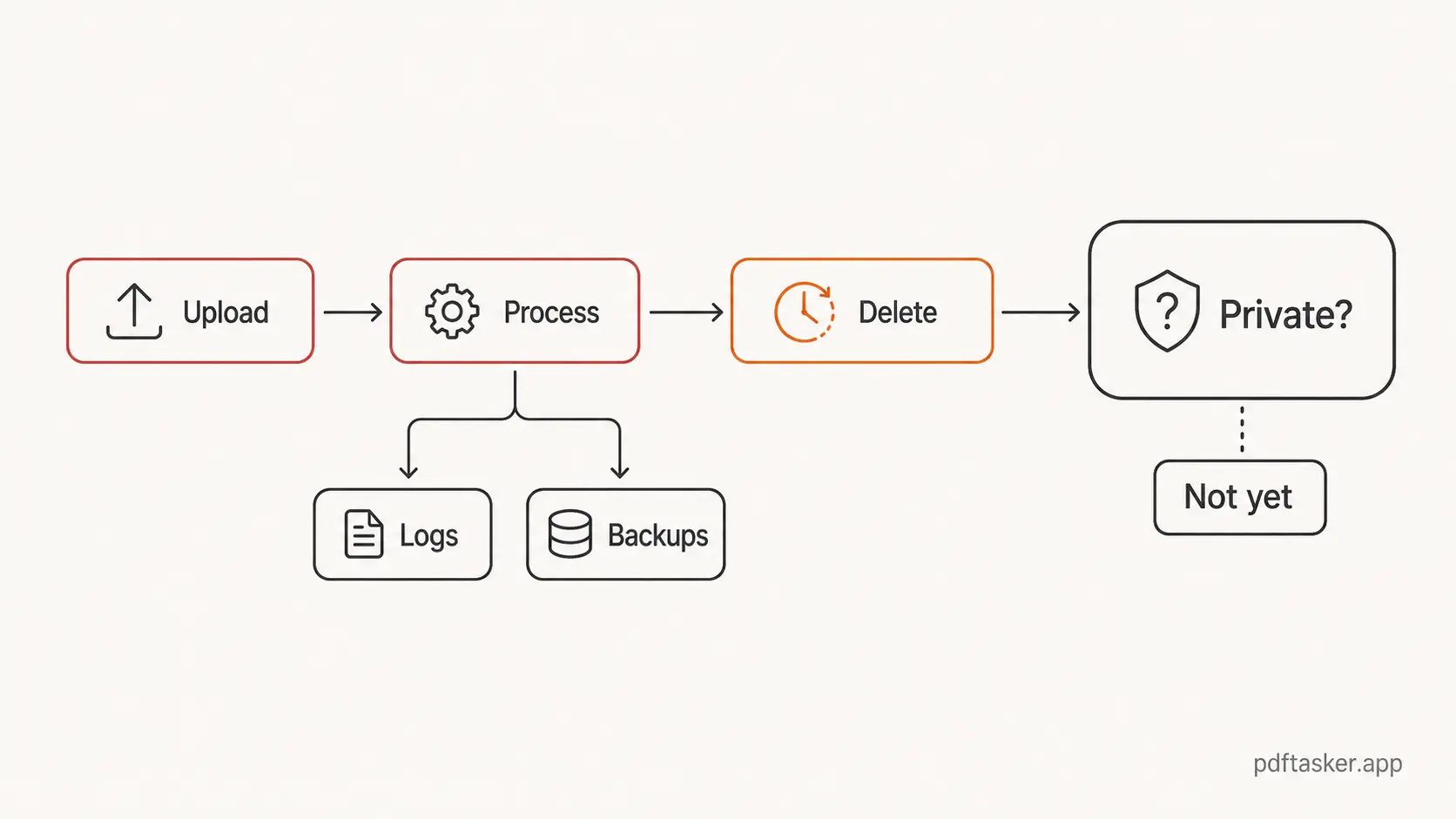
Once a file reaches a server, the trust surface gets wider. The main copy may say the file is deleted after an hour, but the file may still have passed through request handling, temporary storage, processing queues, logs, backups, monitoring, error reports, or infrastructure you never see. A good service can minimize those paths. A vague promise does not prove that it did.
"Deleted later" is not the same claim as "never uploaded."
That distinction matters because most users read the line emotionally. They see "1 hour" and hear "private." The system hears something narrower: "we intend not to retain the working file after this period."
Those are not the same sentence.
Three patterns hide inside a one-hour delete line
Most privacy confusion around online PDF tools follows the same pattern. The marketing copy talks about the end of the file's life. The user's real concern is the beginning.
Pattern 1. "Retention" gets mistaken for privacy
Retention is about how long a service keeps something.
Privacy is about who gets access in the first place.
Those overlap, but they are not interchangeable. A file can be deleted quickly and still have been handled by a remote system. A file can be processed briefly and still expose personal names, invoice numbers, signatures, metadata, or document structure to infrastructure outside your device.
This is why the phrase "deleted after 1 hour" can feel more comforting than it should. It compresses the hard part into a timer. The timer is not the hard part.
The hard part is whether the upload was necessary.
Pattern 2. "Secure transfer" becomes the whole story
Another common line is encryption in transit. Again, that is good. It is also basic plumbing.
HTTPS protects a file while it moves between your browser and a server. It does not mean the server never receives the file. It does not explain what happens during processing. It does not tell you whether a copy enters a queue, a cache, a debug path, or a support workflow.
So the useful question is not "was the pipe encrypted?"
It should be.
The better question is: why did the file need to enter the pipe?
Pattern 3. "Automatic deletion" hides the architecture
Automatic deletion sounds operationally clean. In many systems, it probably is. A job runs. Temporary files disappear. The product team can point to a policy and a timer.
But the architecture still matters.
If the work requires a server, then the user has to trust that server-side process. If the work can happen inside the browser, the user can avoid that extra trust step. That is the difference.
One model says, "Trust us to remove the file later."
The other says, "We do not need the file on our server for this task."
Those are different operating models, not just different lines of copy.
What a smaller trust surface looks like
The better privacy model is smaller, not louder.
For everyday PDF work, a browser-first product can load the app, let you pick a file, hand the bytes to a Web Worker, run the operation locally, then return the result as a download. The server can host the website without becoming the place where your document is processed.
That is the design PDFTasker is built around: static pages, browser-side processing, Web Workers, and local downloads. The broader product context is on the About page, but the important part is simple. The document work is meant to happen on your device, not in a document queue we operate.
This does not make every file magically risk-free. Your browser still matters. Your device still matters. The document you share after downloading still matters. If a PDF carries author names, revision history, embedded metadata, or other traces, you still need to clean that before sending it out.
That is where a local PDF metadata cleanup step helps. It reduces what the outgoing document says about you before anyone else receives it.
If the document is sensitive enough to control access, you may also want to protect the PDF with a password before sharing it. Password protection is not a privacy story by itself either. It is just another practical layer.
The pattern is the same: smaller claims, smaller trust surface, fewer magic words.
How to read privacy copy without becoming a lawyer
You do not need a security audit for every small PDF task. You just need a few sharper questions.
For a compact version of those questions, the PDFTasker comparison checklist separates file upload, processing location, account requirement, offline limits, browser memory limits, and output ownership into plain rows.
- Does the tool start by uploading the file before showing any real work?
- Does the privacy copy explain where processing happens, or only when deletion happens?
- Does the product talk about browser-side work, local processing, or Web Workers in a concrete way?
- Does it make narrow claims, or does it wave around broad words like "secure" and hope you stop reading?
That last point is the tell.
Good privacy copy is usually boring. It says what happens and what does not. It does not ask you to infer architecture from a deletion timer.
PDFTasker
Clear Metadata
If you are cleaning a PDF before sending it, start with the part you control. Remove metadata locally. Share less. Trust less infrastructure. That is not dramatic.
It is just the part that actually helps.