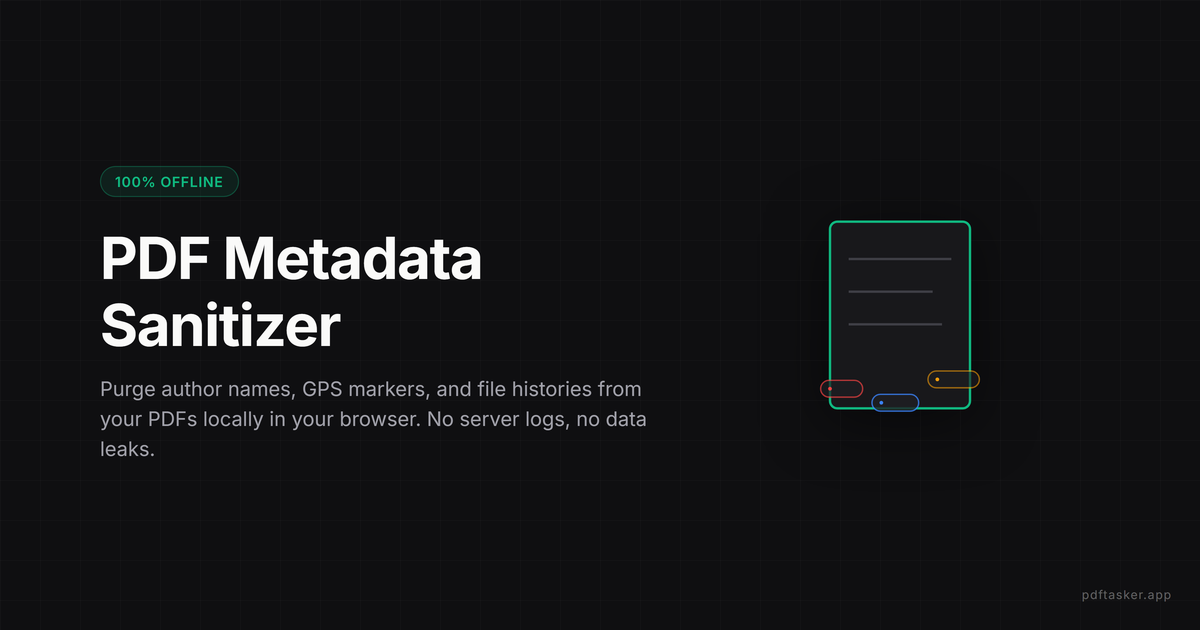
How to remove metadata from PDF online safely without server uploads
PDFs often leak hidden metadata like author names, local file paths, and creation software. Learn how to remove PDF metadata safely in your browser.
4 min read
Remove PDF Metadata
Clear hidden traces before sharing. The browser handles it locally, without handing off the file.
Privacy
Your documents do not leave your device.
PDFTasker runs in your browser. No uploads. No server detour. No tricks.
Cleanup guide
Load document
Load your file. Clean out the hidden details before sharing it.
Drop files here, or tap to choose them.
Local cleanup
Author names, software info, hidden tags, and other metadata are found and removed right in the browser.
Clear the hidden data too
A PDF carries more than what is on the page. Author names, the software that made it, edit timestamps, comments, and hidden tags ride along inside the file — and they travel with it when you share it. Sanitizing strips that metadata so a résumé, tender, or contract does not quietly reveal who wrote it, on what, and when. PDFTasker clears it in the browser, so the cleanup itself never uploads the document.
Privacy and trust
The whole point of sanitizing is privacy, so doing it by uploading the file to a server would undercut the goal. PDFTasker removes the document metadata locally — Info dictionary fields and the XMP stream — and writes a clean copy on your device. Keep the original, send the cleaned version, and know that the file you are trying to protect never left the browser to get protected.
How to use it
FAQ
PDFTasker targets common hidden document fields such as author, title, subject, keywords, producer, creator, app metadata, and XMP metadata when present. These fields can reveal names, software, workflow history, or organizational details that are not visible on the page but can travel with the file.
The goal is to remove hidden metadata without changing visible pages. Text, images, signatures, and layout should remain the same. Still open the cleaned copy before sharing, especially for official forms or published PDFs, because any cleanup step should be verified like the final document.
No. Scanning and cleanup happen in your browser. That is the point of a metadata cleaner: sending a private PDF to a server just to remove hidden traces creates a new trust problem. Local cleanup keeps the document on your device during the process locally.
No. Metadata cleanup reduces common hidden fields, but it cannot guarantee anonymity. Visible text, images, comments burned into pages, file names, QR codes, watermarks, or recipient history can still identify people or organizations. Treat sanitize as one pre-share step, not a complete privacy audit before release.
Sanitize before publishing, forwarding, uploading, or sharing a PDF outside the original context. It is especially useful for resumes, contracts, tenders, research drafts, client documents, and scans created by office software. Keep the original, then send the cleaned copy through the required channel only afterward.
No, and confusing the two is how leaks happen. Redaction removes confidential content from the visible page — names, figures, paragraphs that must not be seen. Sanitize removes hidden file metadata: author names, software traces, revision hints that travel invisibly with the document. If a page itself shows information that must be hidden, sanitize will not blank it out; that is a redaction job, done before the file goes anywhere. Use sanitize for what you cannot see, redaction for what you can.
Sanitize once the content is final, and make protection the last step. The reasoning is simple: compression rewrites file structure but does not promise to remove metadata, so a smaller file can still leak an author name; and any edit made after sanitizing could reintroduce traces from the editing tool. A clean order for sensitive sends — finish the edits, sanitize, compress if size matters, protect with a password, then share. One dedicated cleanup step beats assuming another tool did it for you.
PDFTasker Blog
PDFs often leak hidden metadata like author names, local file paths, and creation software. Learn how to remove PDF metadata safely in your browser.
4 min read
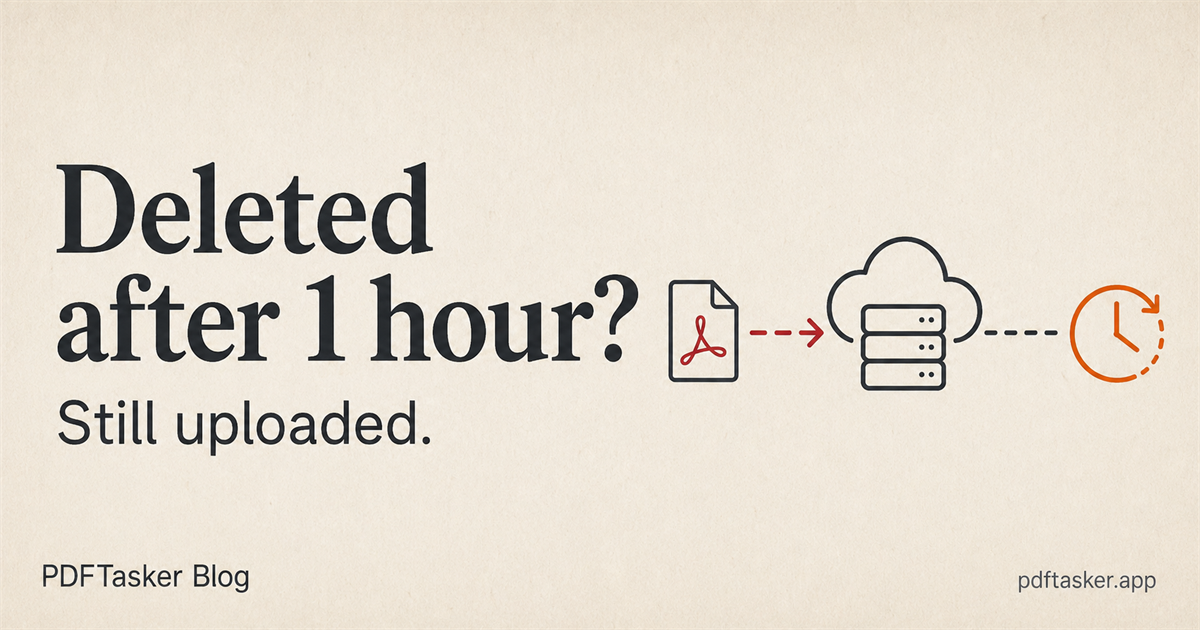
A PDF tool can delete files after one hour and still be upload-first. Here is what that promise actually says, and what it leaves unanswered.
6 min read
This site uses cookies to serve advertising. Your file processing stays fully local in your browser. Cookie Notice