Do I need to send my document to a server to compress it?
No. PDFTasker runs compression in your browser after the page loads. The file is read from your device, processed locally, and exported as a new PDF. That is useful when the document contains contracts, statements, applications, or client material that should not enter a random upload queue.
What is the difference between lossless optimization and maximum compression?
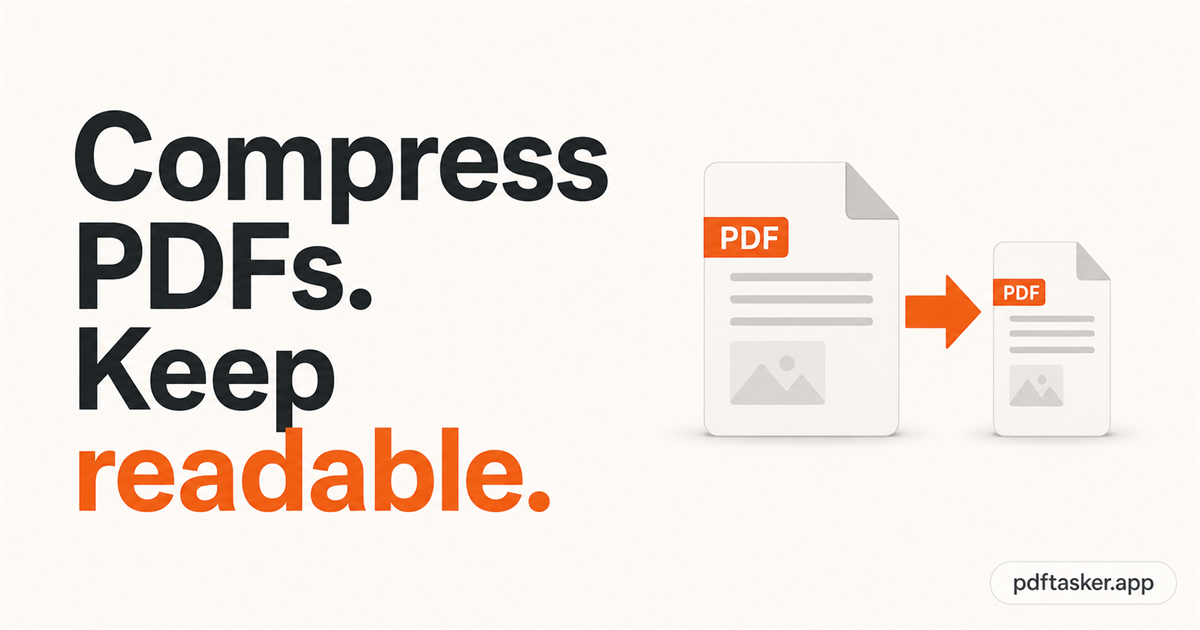
Lossless optimization tries to reduce file overhead while preserving visible quality. Stronger compression can shrink image-heavy PDFs more, but may change image detail. The right choice depends on the upload limit and whether small text, signatures, stamps, or scans still need to stay readable afterward.
When should I use compression?
Use compression when a portal, email system, or storage limit blocks a file that is otherwise ready to send. Do not compress just to make a number smaller. First remove unneeded pages, then compress, then open the output and check the pages that matter most.
Can every PDF become much smaller?
No. Some PDFs are already optimized, mostly text, or built in a way that leaves little safe room to shrink. Scanned and image-heavy PDFs usually have more reduction potential. If the file barely changes, page cleanup or a different source export may help more than another compression pass.
What should I check after compression?
Open the compressed PDF before sending it. Check small text, signatures, barcodes, QR codes, stamps, tables, and faint scanned pages. Also confirm the file is under the required limit and that you are sending the correct version, not an earlier failed compression attempt or draft.