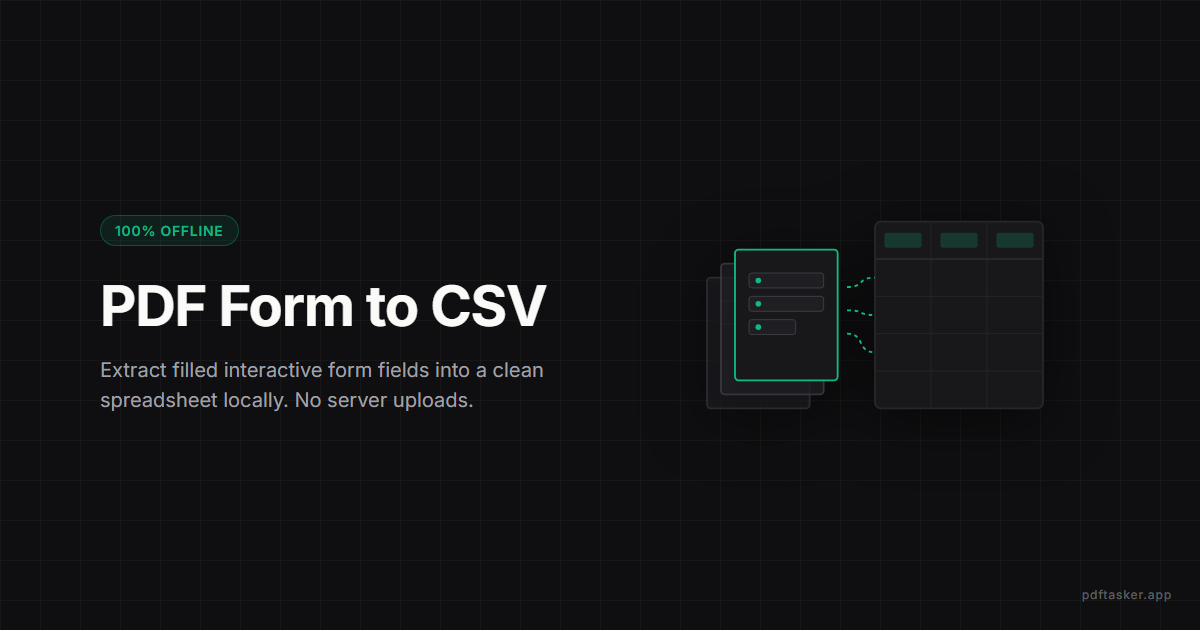
작성된 PDF 양식 값을 CSV로 뽑기 (업로드 없이)
대화형 AcroForm PDF 필드 데이터를 CSV/Excel 파일로 안전하게 추출하는 방법을 알아봅니다. 브라우저 내 로컬 환경에서 데이터 취합을 자동화하세요.
8분 분량
응답 일괄 정리 · 폼 데이터 추출
입사 지원서 폼, 설문조사 응답, 행정 신청서, 거래처 발주서 — 작성된 PDF 폼들에서 AcroForm 필드 값을 한 번에 읽어 CSV·JSON으로 정리합니다.
개인정보 유출 걱정 없는 로컬 처리
파일은 사용자의 기기 외부로 전송되지 않습니다.
서버 업로드나 대기 시간이 전혀 없으며, 모든 작업은 브라우저 내에서 안전하게 직접 완결됩니다. 안심하고 사용하세요.
이렇게 쓰세요
문서 불러오기
개인정보 유출 걱정 없이, 작성된 PDF 양식 파일들을 안전하게 추가해 주세요.
파일을 끌어다 놓거나 클릭해서 선택하세요.
로컬 데이터 추출
추출 워커가 내 PC 안에서 AcroForm 필드를 읽고 행을 모읍니다. 응답 값이 외부로 나가지 않습니다.
대기열이 비어 있습니다. 양식(AcroForm)이 포함된 PDF 파일을 하나 이상 추가해 주세요.
PDF 폼 응답 한 번에 정리
수십 개의 입사 지원서 PDF 양식 응답을 한눈에 볼 수 있는 표로 정리하거나, 설문조사 PDF 응답 데이터를 CSV 파일로 일괄 변환해야 할 때가 있습니다. 개인정보(이름, 연락처 등)가 포함된 문서를 외부 서버에 업로드하는 것은 안전하지 않습니다. 추출 워커가 사용자 컴퓨터 내에서 안전하게 필드 값을 읽어 CSV나 JSON 파일로 생성해 줍니다. 텍스트 데이터가 입력된 디지털 PDF 양식에서 가장 잘 작동하며, 스캔된 문서나 구형 XFA 양식의 경우 데이터가 인식되지 않을 수 있습니다.
프라이버시와 신뢰
지원서·신청서·설문 응답 PDF에는 이름·연락처·주소·답변 같은 개인정보가 들어 있습니다. 그걸 통째로 어디 서버에 올리는 건 위험합니다. 추출 워커가 내 PC 안에서 폼 필드를 읽고 결과 CSV·JSON만 떨어집니다. 폼 응답은 대개 개인정보라, 추출하겠다고 파일을 올리는 건 피하려던 바로 그 노출을 만듭니다. 워커가 로컬에서 읽고 결과만 만들어 줍니다.
사용 가이드
자주 묻는 질문
지원서 PDF들을 한꺼번에 올리고 추출 워커를 돌리면 각 지원자의 응답이 한 행씩 들어간 CSV가 떨어집니다. 그대로 엑셀에 열어 정렬·필터로 검토하면 됩니다.
응답 PDF들을 모두 올리고 추출하면 응답이 행으로, 질문이 컬럼으로 들어간 표가 나옵니다. CSV는 SPSS·R·구글 시트 같은 도구에 그대로 넣을 수 있습니다.
AcroForm 표준으로 만든 폼이면 됩니다. 행정 시스템에서 받는 신청서, 거래처에서 보내는 발주서·견적 요청서 같은 표준 PDF 폼은 대부분 정상 추출됩니다.
pdf-lib이 읽을 수 있는 AcroForm 필드를 지원합니다. XFA 전용 폼(주로 일부 행정 시스템에서 쓰는 옛 방식)은 필드 값이 다 노출되지 않을 수 있는데, 그런 경우엔 별도 도구가 필요합니다.
감지된 모든 필드 이름이 컬럼이 되고, PDF마다 해당 필드가 없으면 빈 값으로 들어갑니다. 비슷한 폼 여러 버전이 섞여 있어도 한 표로 처리할 수 있습니다.
업로드되지 않습니다. 민감한 개인 정보가 포함될 수 있는 양식 데이터를 로컬 추출 워커가 기기 내부에서만 읽어 처리하므로 외부 유출 우려가 없습니다.
PDFTasker Blog
이 사이트는 광고 서비스 제공을 위해 쿠키를 사용합니다. 파일 처리는 브라우저 내에서만 이루어집니다. 쿠키 정책