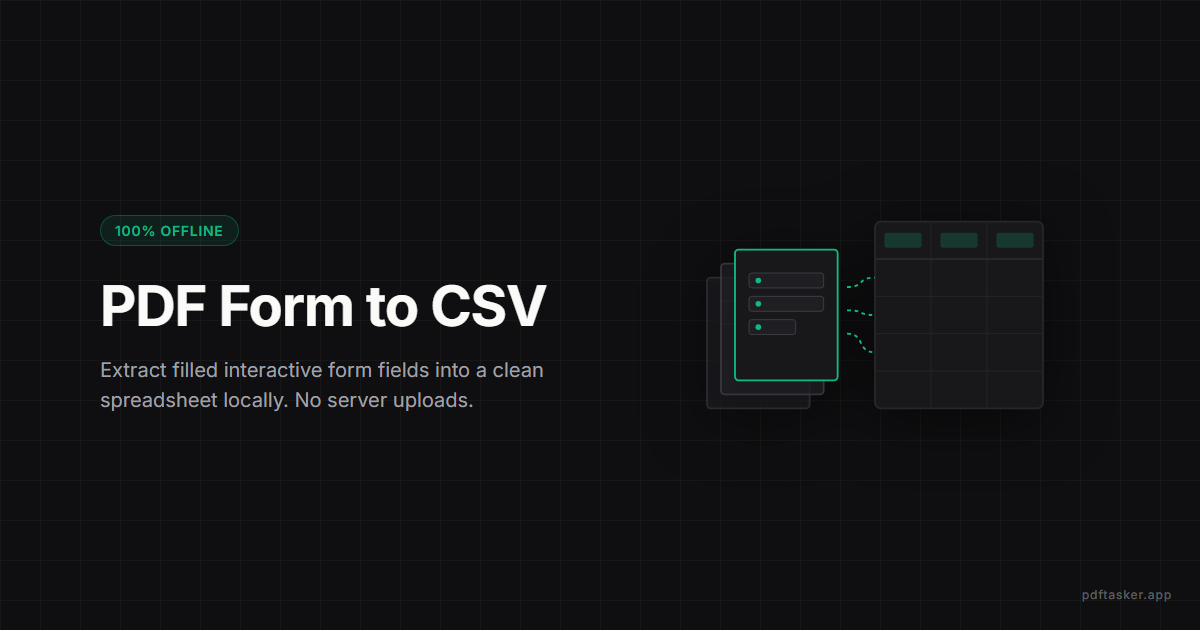
Ekstrak data formulir PDF ke CSV tanpa upload
Pelajari cara mengeluarkan data kolom formulir PDF AcroForm interaktif ke file CSV/Excel dengan aman. Otomatiskan pengumpulan data secara lokal di browser-mu.
3 menit baca
Pengekstrak Data Formulir
Tarik field values dari form PDF yang udah diisi (HRD onboarding, KYC bank, survey) ke CSV atau JSON — tanpa kirim form sensitif ke server.
Privasi. Tanpa Trik.
File kamu gak keluar dari perangkat.
Gak ada upload, gak pakai server. Semua beres di browser. Tenang aja.
Panduan ekstraksi
Pilih Dokumen
Masukkan formulir PDF yang nggak mau kamu upload ke server.
Tarik file ke sini, atau klik buat pilih.
Ekstraksi formulir lokal
Worker baca AcroForm field langsung di laptop kamu, terus gabungin barisnya jadi satu output. Form sensitif gak nyebrang ke server.
Tambahin minimal satu formulir PDF buat lanjut.
Tarik data form secara lokal
Ekstrak nilai field AcroForm dari satu atau banyak PDF terisi, lalu download CSV atau JSON. Lebih dari seratus form KYC, data karyawan, survei — daripada input manual, worker baca nilai field di device kamu dan keluarin CSV atau JSON. Paling jalan di form yang diisi digital; yang hasil scan atau XFA mungkin gak nampilin nilai dan ditandain terpisah.
Privasi dan Kepercayaan
Worker membaca nilai field secara lokal, cocok untuk dokumen yang tidak ingin kamu upload ke mana pun. Jawaban form biasanya data pribadi, jadi ekstrak dengan cara upload file malah bikin paparan yang mau kamu hindarin. Worker baca lokal dan cuma bikin hasilnya.
Cara pakai
Pertanyaan yang sering diajukan
Bisa banget — ini case yang paling sering. Tambahin semua PDF sekaligus, tool gabungin semua field-nya jadi satu CSV. Kerjaan yang biasanya makan jam-jaman manual entry, di sini selesai dalam menit. Tinggal buka di Excel, sortir, kirim panitia.
Kompatibel. CSV output bisa langsung di-import ke Excel, Google Sheets, atau HRIS yang nerima CSV (kayak Talenta, Mekari, atau yang custom). Tiap field di kolom sendiri, tiap karyawan di baris sendiri — format standar yang HRD biasa kerjain.
Bisa. Output JSON lebih nyaman buat tools analisis kayak Python pandas, R, atau SPSS. Mau pakai Excel juga oke — pakai output CSV. Cocok buat skripsi atau riset yang ngumpulin data lewat form PDF.
Semua AcroForm field standar (text, dropdown, checkbox, radio) ke-extract bener. Buat form XFA-only — biasanya yang dari portal pemerintah lama atau template Adobe LiveCycle — supportnya terbatas. Tes dulu sama beberapa file sebelum bulk.
Aman banget. Ekstraksi jalan di browser kamu sendiri — KTP, NPWP, NIK, nomor rekening, semua tetep di laptop. Buat compliance dengan aturan OJK atau internal policy bank, ini approach yang paling clean — gak ada copy data nyebrang ke server.
Kalau form di-design rapi, field label yang dikasih designer bakal jadi nama kolom di CSV — langsung kebaca. Kalau form dibuat sembarangan, mungkin muncul kayak 'Text1', 'Field4'. Tinggal di-rename habis di-export.
PDFTasker Blog
Situs ini menggunakan cookie untuk layanan iklan. Pemrosesan file sepenuhnya dilakukan di browser Anda. Kebijakan Cookie