How to remove metadata from PDF online safely without server uploads
PDFs often leak hidden metadata like author names, local file paths, and creation software. Learn how to remove PDF metadata safely in your browser.
4 मिनट पढ़ें
फालतू डेटा की सफाई · PDF Metadata Clean
Resume, tender, research paper – share करने से पहले author info, software details, और edit history साफ़ करें। Privacy cleanup browser में।
प्राइवेसी। कोई चालाकी नहीं।
फ़ाइल आपके डिवाइस के बाहर नहीं जाती।
न कोई अपलोड, न कोई server. सारा काम browser के अंदर ही खत्म हो जाता है। बेफिक्र रहें।
ऐसे इस्तेमाल करें
दस्तावेज़ लाएँ
फ़ाइल डालें। बाहर भेजने से पहले सारे फालतू टैग्स हटा लें।
फ़ाइलों को खींचकर यहाँ लाएँ या क्लिक करें।
अपने PC पर ही साफ़ करें
Privacy cleanup के लिए file को server पर भेजना ही contradiction है। Browser आपके device पर ही metadata साफ़ करता है।
छिपा हुआ डेटा साफ़ करें
Resume online portal पर upload करने से पहले, tender anonymously submit करने से पहले, या research paper double-blind review के लिए – PDF में छिपी author info, software details, और edit history हटाएँ। Content का एक pixel छुए बिना, छिपे निशान साफ़ होते हैं: author name, बनाने वाला software, edit times, और comments। ताकि resume, tender, या contract चुपचाप यह न बताए कि किसने, किससे, और कब बनाया।
प्राइवेसी और भरोसा
Privacy cleanup के लिए file को server पर भेजना ही contradiction है। Browser आपके device पर ही PDF scan करके hidden metadata हटा देता है। Sensitive documents से लेकर resume तक – सब safely sanitize। Compress metadata नहीं हटाता, इसलिए छोटी file भी उसे leak कर सकती है। Content final हो जाए तो sanitize को अलग step की तरह चलाएँ ताकि भेजी copy सच में साफ़ हो।
कैसे इस्तेमाल करें
अक्सर पूछे जाने वाले सवाल
हाँ, smart practice है। Resume में अक्सर laptop owner का name, MS Word version, last edited date छिपी होती है – जो आपके बारे में extra detail देती है। Sanitize करके professional और privacy-conscious दिखें।
PDF में अक्सर organization name (Word/Excel templates से), creator software, और edit history embedded होती है। Sanitize करने पर ये सब हट जाते हैं। Tender की anonymity के लिए ज़रूरी step है।
Sanitize tool author metadata, comment history, और track changes residue सब साफ़ कर देता है। Double-blind peer review के लिए यह standard prep step है।
Author name, creator software (जैसे 'Microsoft Word' या 'Adobe InDesign'), creation/modification dates, sometimes printer info। Health Report tool से पहले inspect कर सकते हैं, फिर sanitize करें।
नहीं। Text, images, formatting – जो आँखों को दिखता है वो untouched रहता है। सिर्फ़ background metadata जिसे Adobe Reader > File > Properties में देखा जा सकता है, वो हट जाती है।
Metadata removal एक important step है पर अकेला नहीं। Document content में भी identifying info हो सकती है। Sanitize करें plus content review भी करें। और file को कहीं और से ना भेजें जो आपसे tied हो।
बिल्कुल नहीं। ख़ासकर जब privacy की बात हो – metadata cleanup browser में होना चाहिए। Server पर भेजना खुद ही privacy compromise है।
PDFTasker Blog
PDFs often leak hidden metadata like author names, local file paths, and creation software. Learn how to remove PDF metadata safely in your browser.
4 मिनट पढ़ें
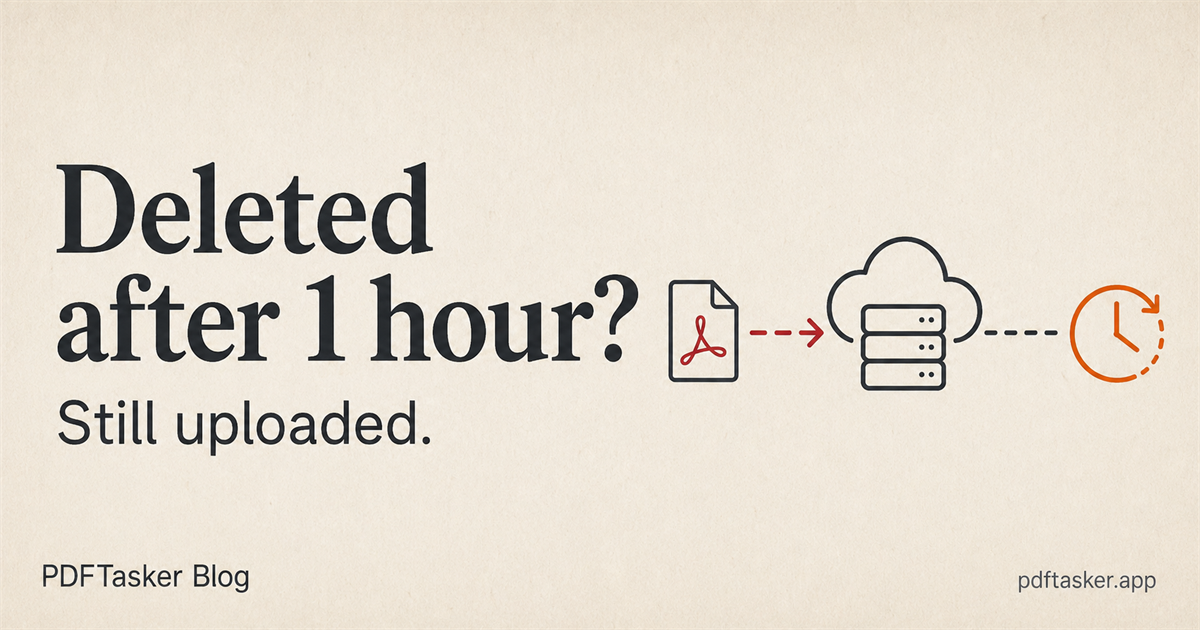
कोई PDF tool एक घंटे बाद file delete कर सकता है, फिर भी upload-first हो सकता है. यह वादा क्या कहता है और क्या नहीं कहता, यहां साफ किया गया है.
6 मिनट पढ़ें
यह साइट विज्ञापन सेवाओं के लिए कुकीज़ का उपयोग करती है। आपकी फ़ाइल प्रसंस्करण पूरी तरह स्थानीय रहती है। कुकी नीति