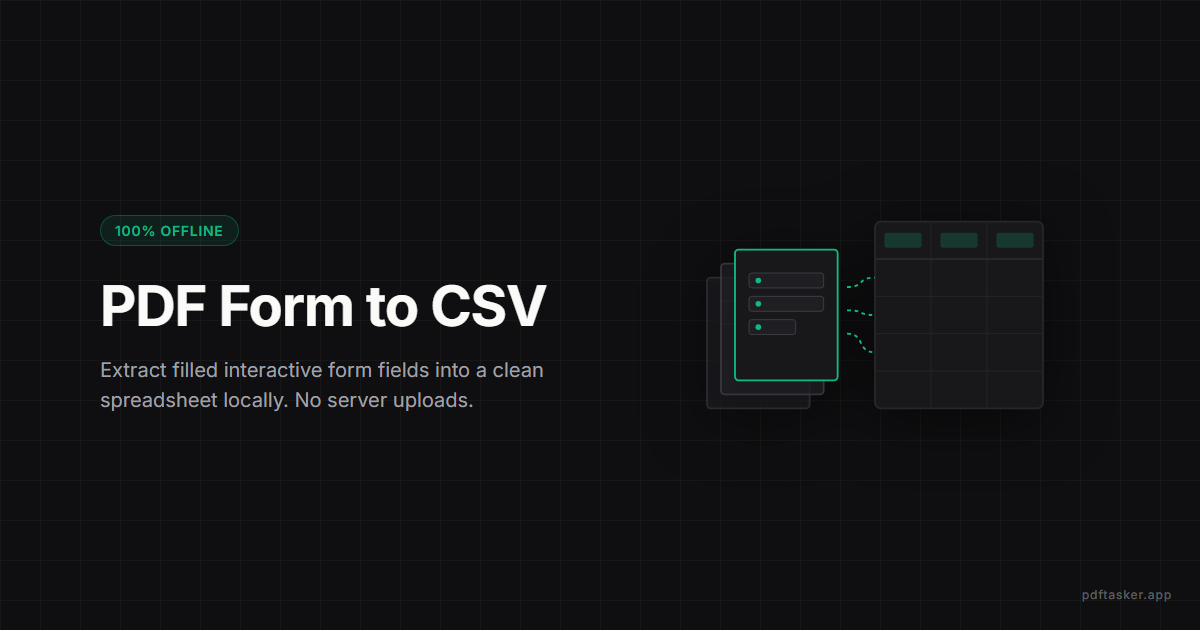
भरी हुई PDF form का data CSV में निकालें, बिना upload
Interactive AcroForm PDF के field data को CSV/Excel में safely निकालना सीखें. Browser में locally data collection automate करें.
3 मिनट पढ़ें
फ़ॉर्म डेटा एक्सट्रैक्टर
संवेदनशील फ़ॉर्म अपलोड किए बिना भरे हुए PDF से AcroForm फ़ील्ड मानों को CSV या JSON में निकालें।
प्राइवेसी। कोई चालाकी नहीं।
फ़ाइल आपके डिवाइस के बाहर नहीं जाती।
न कोई अपलोड, न कोई server. सारा काम browser के अंदर ही खत्म हो जाता है। बेफिक्र रहें।
निष्कर्षण गाइड
दस्तावेज़ लाएँ
वे PDF फॉर्म डालें जिन्हें आप किसी Server पर अपलोड नहीं करना चाहते।
फ़ाइलों को खींचकर यहाँ लाएँ या क्लिक करें।
लोकल फॉर्म एक्सट्रेक्टर
वर्कर आपके डिवाइस पर AcroForm फ़ील्ड पढ़ता है और पंक्तियों को मर्ज करता है।
खाली है। कम से कम एक PDF form तो डालिए।
Form data local निकालें
100+ KYC forms, employee onboarding PDFs, survey responses – manually data entry के बजाय एक click में सब field values CSV या JSON में निकालें। Browser में, बिना server। Worker आपके device पर field values पढ़ता है और सिर्फ़ CSV या JSON देता है। Digitally भरे forms पर सबसे अच्छा चलता है; scanned या XFA forms शायद values न दिखाएँ और उन्हें अलग से flag किया जाता है।
प्राइवेसी और भरोसा
Worker field values local पढ़ता है। PAN-linked KYC, financial forms, या confidential surveys – sensitive forms को server पर भेजना compliance और privacy दोनों के लिए unnecessary risk। यहाँ सब local। Form के जवाब अक्सर personal data होते हैं, इसलिए files upload करके extract करना वही exposure बनाता है जिससे बचना है। Worker local पढ़ता है और सिर्फ़ result बनाता है।
कैसे इस्तेमाल करें
अक्सर पूछे जाने वाले सवाल
हाँ। Multiple PDFs एक साथ add करें, tool सब को एक merged CSV में निकालता है। Manual data entry का काम घंटों से minutes में आ जाता है।
हाँ। CSV output Excel/Google Sheets में directly import होता है। हर field एक column में, हर form एक row में – HR systems के लिए ready format।
हाँ। JSON format export research/analysis tools के लिए convenient होता है। Python pandas, R, या SPSS में directly load कर सकते हैं।
Standard AcroForm fields (text, dropdown, checkbox, radio) सब extract होते हैं। XFA-only forms (कुछ government PDFs) limited support में हैं – test करके verify करें।
पूरी तरह। Extraction browser worker में local होता है। PAN cards, Aadhaar-linked forms, KYC documents – कुछ भी server पर नहीं जाता। Compliance-friendly approach है।
Form में जो field labels हैं वही column names में आते हैं। अगर form properly designed है तो CSV directly readable होता है। Otherwise field internal names show होते हैं – बाद में rename कर सकते हैं।
PDFTasker Blog
यह साइट विज्ञापन सेवाओं के लिए कुकीज़ का उपयोग करती है। आपकी फ़ाइल प्रसंस्करण पूरी तरह स्थानीय रहती है। कुकी नीति