How to remove metadata from PDF online safely without server uploads
2026-06-17 · 4 min read · onnova
When you share a PDF, you share more than just the text and images visible on the page. Beneath the document structure lies a layer of hidden XML streams and key-value properties.
This invisible data layer, known as metadata, often holds the digital footprint of the document's creation—such as author names, local file paths, and corporate software configurations.
This guide explains why metadata posing a security risk should be removed before sharing public documents, and how to sanitize PDF files locally in the browser without server transmission.
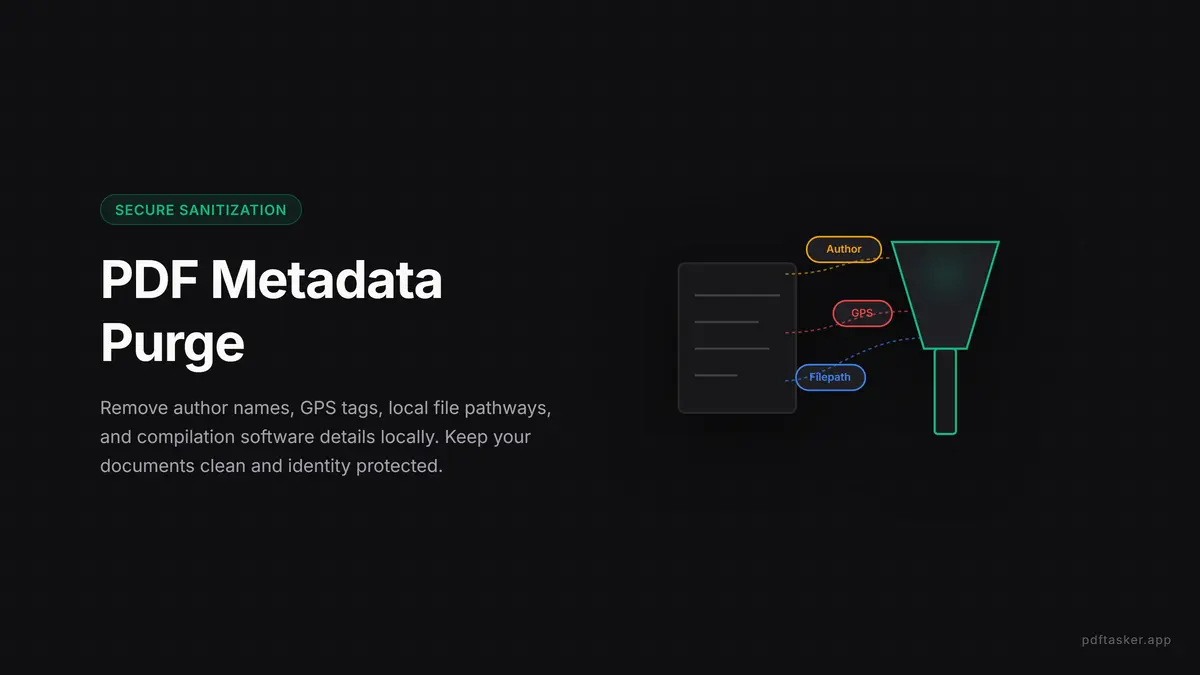
The digital footprint hidden inside PDF properties
Every PDF document contains a metadata catalog designed to help operating systems index files. While useful for local search systems, this catalog leaks administrative details that most writers assume are long gone:
- Author identities: The registered username of the operating system account that exported the document, exposing the real names of internal team members.
- Creation software details: The exact version of the compiler, layout engine, or word processor used to write the PDF, which can expose older software versions with known vulnerabilities.
- Internal folder paths: The absolute local directory path where the source file was saved, revealing corporate drive names and project structures.
- Embedded elements: Deleted text segments, invisible annotation layers, and previous form entries that remain in the raw PDF stream.
These details are not visible on the printed page, but anyone with a basic text inspector or reader can extract them in seconds.
Why online metadata removal can compromise document privacy
The common way to solve this is to search for a free tool to "remove PDF metadata online." However, uploading a confidential business agreement or proprietary financial statement to a third-party server simply to clean its properties is a massive security compromise.
Once you transmit a file to a remote cloud engine:
- The risk boundary expands: You are sending the document you want to secure over the internet, creating new entry points for data interception.
- No visibility into backend systems: You cannot verify if the remote server logs the file contents, keeps temp files, or sells analytical data.
- Compliance violations: Corporate privacy guidelines often ban uploading raw documents to unverified web servers, causing policy friction.
Safe sanitization must happen where the file already exists: on your local machine.
How to sanitize PDF metadata safely in your browser
To clean your files without risking document leaks, use a browser-native sanitizer that relies on client-side WebAssembly or JavaScript. This workflow runs entirely inside your browser sandbox:
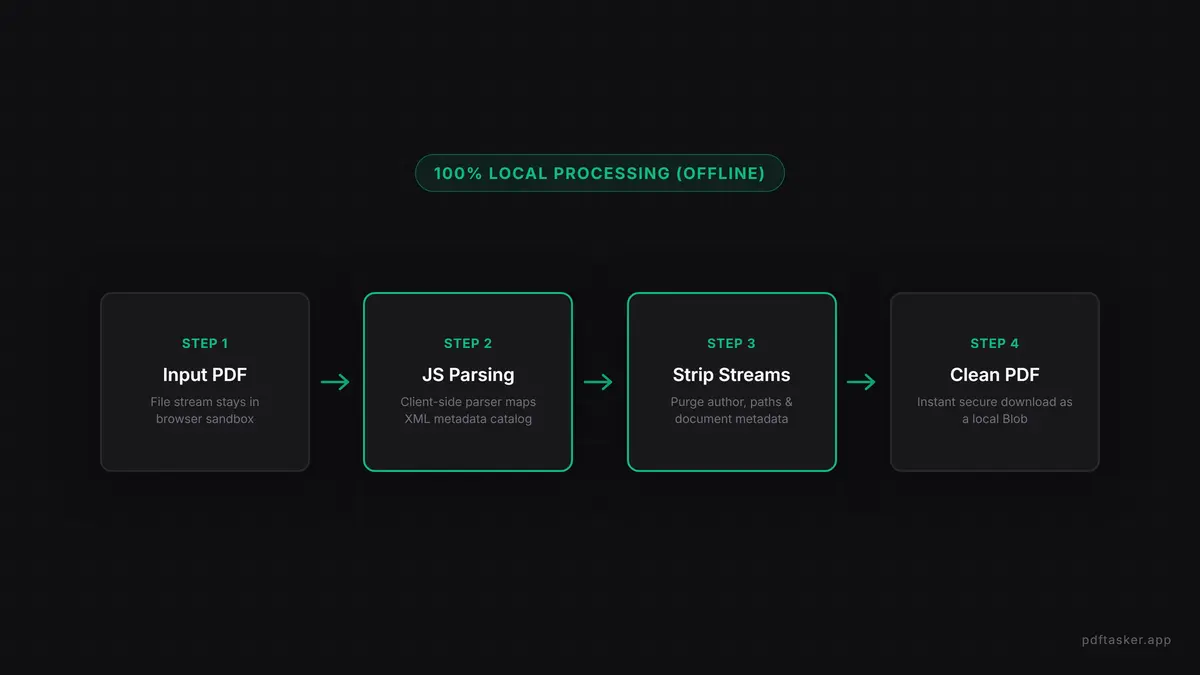
1. Load the PDF file locally
The tool reads the PDF file stream directly into memory. Using local APIs, the document is parsed instantly without sending a single byte to an external server. This guarantees that your files remain private.
2. Inspect the metadata catalog
The local script scans the underlying file structure to locate descriptive XML blocks, author headers, and embedded keywords. You can see the exact properties that need cleaning before applying changes.
3. Strip metadata properties
The sanitizer rewrites the PDF stream, replacing the metadata catalog with blank entries and deleting hidden XML streams. This structural cleanup leaves the visible content intact while purging the digital footprint.
4. Download the sanitized document
The clean PDF is generated as a local Blob and downloaded directly to your device. You can verify the security of this process by running the tool with your internet connection disabled.
Maintaining document hygiene before public distribution
Removing metadata is an essential step of corporate document operations. Before distributing any PDF to the public, establish a standard checklist:
- Verify file paths: Never export PDFs directly from raw system paths without checking for directory leaks.
- Sanitize form fields: Purge unused interactive form data that might hold private values.
- Establish a local-first workflow: Ensure all team members use client-side utilities rather than unverified cloud services.
By prioritizing local-first sanitization, you protect both your document integrity and your corporate privacy.
PDFTasker
Borrar metadatos