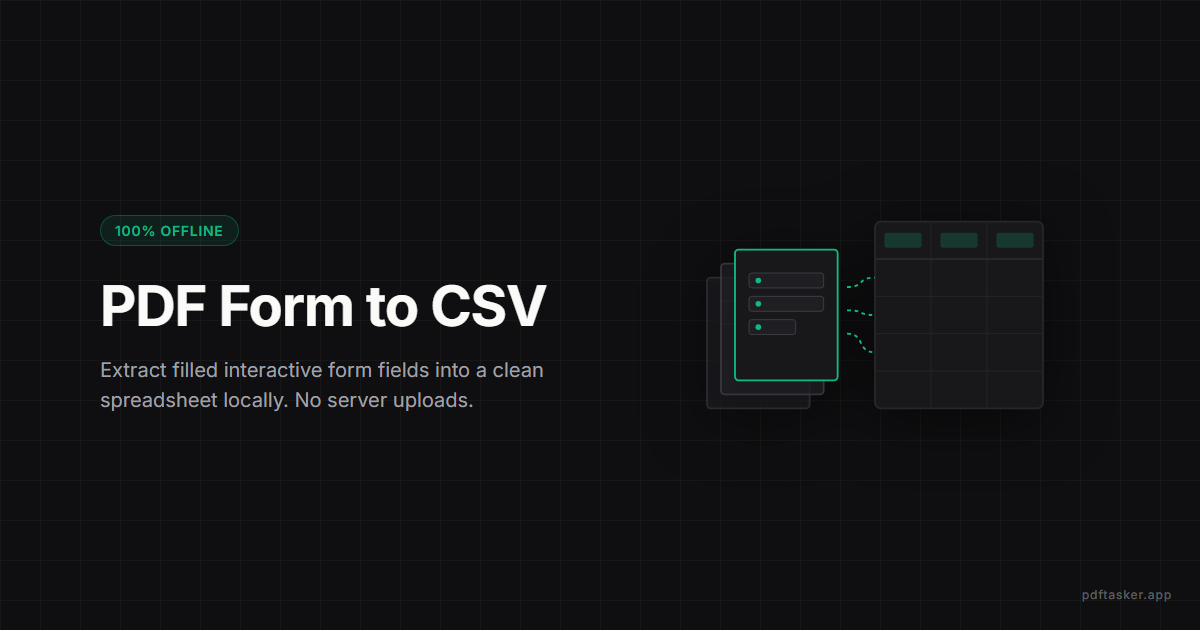
Extract filled PDF form data into CSV without uploading
Learn how to extract interactive AcroForm PDF field data to CSV/Excel files safely. Automate data collection locally in your browser.
3 min read
Form Data Extractor
Extract AcroForm field values from filled PDFs into CSV or JSON without uploading sensitive forms.
Privacy
Your documents do not leave your device.
PDFTasker runs in your browser. No uploads. No server detour. No tricks.
Extraction guide
Load document
Add PDF forms you would rather not upload to a server.
Drop files here, or tap to choose them.
Local form extraction
The worker reads AcroForm fields on your device and merges the rows.
Add at least one PDF form to continue.
Pull form data locally
Filled PDF forms are everywhere — applications, intake sheets, surveys, registrations — and pulling their answers into a spreadsheet by hand is slow and error-prone. PDFTasker reads the AcroForm field values from one or many filled PDFs and exports them as CSV or JSON, all in the browser. The forms, which often hold names, addresses, and other personal data, never get uploaded to be read.
Privacy and trust
Form responses are usually personal data, so extracting them by uploading the files would create exactly the exposure you are trying to avoid. PDFTasker reads the field values locally in a worker and builds the CSV or JSON on your device. It is built for documents you do not want to send anywhere — the data is structured for you without the forms ever leaving the browser.
How to use it
FAQ
The extractor reads AcroForm fields supported by the browser-side PDF library. XFA-only forms, flattened scans, or form-like pages without actual fields may not expose values. If a form was printed to PDF or scanned after filling, the visible text may not be extractable as structured data.
Yes. Add multiple filled PDFs and download one merged CSV or JSON result. This is useful for collecting the same form from several people, but review the detected field names before using the export. Different form versions can label similar fields in slightly different ways.
No. Extraction happens in a browser worker on your device. The filled PDFs are read locally and the CSV or JSON output is generated in the browser. That keeps names, addresses, answers, and other form values away from a server upload path during extraction or review.
No. The extractor reads field values and creates a separate data file. It does not flatten, sign, rewrite, or remove content from the original PDFs. Keep the source forms for your records, then use the CSV or JSON output only after checking that the columns match your expected fields.
Do not rely on it when the form is scanned, handwritten, XFA-only, or legally sensitive enough to require manual review. The tool can surface structured field values, but it does not replace validation. Open sample PDFs and compare the extracted rows against the visible form before using the data.
Scanned forms are pictures of forms: there are no machine-readable fields inside, so there is nothing the extractor can pull automatically. XFA-only forms — an older Adobe format that some government and enterprise PDFs use — may not expose standard field values either, and the tool flags that case explicitly instead of returning an empty result. For both, the practical path is manual entry or an OCR pass in other software first. Standard AcroForm PDFs, the common case, extract to CSV or JSON directly.
PDFTasker Blog
This site uses cookies to serve advertising. Your file processing stays fully local in your browser. Cookie Notice