What's hidden in your PDF — and how to check before you send it
2026-06-15 · 3 min read · onnova
"Who created this PDF? And which operating system did they use?"
When you email a PDF to a client, partner, or government agency, you are sending much more than the visible text and tables. Hidden beneath the surface of the document is a layer of structured data that records the digital footprint of its creation.
This hidden layer is known as metadata. Let's look at what is actually buried inside your files.
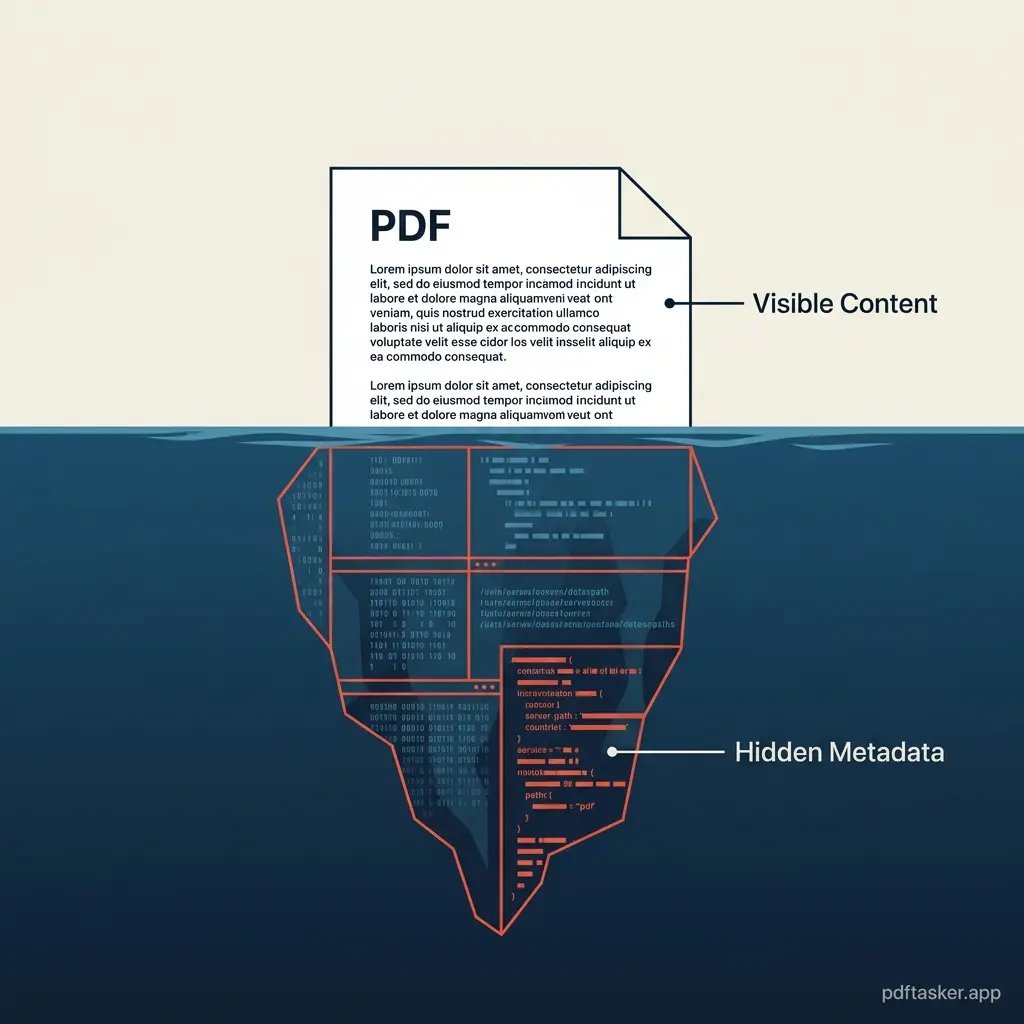
The invisible layer: What actually hides inside a PDF
Every PDF reader parses a metadata block containing descriptive key-value pairs. This block is intended to help index systems, but it often leaks details that writers assume are private:
- Document properties: The registered name of the author, the creation date, and the software used to compile the document (e.g., MS Word, Adobe Acrobat, or export scripts).
- System pathways: In some cases, the metadata records the absolute file path on the creator's local hard drive, exposing corporate folder structures and usernames.
- Invisible leftovers: Deleted text, hidden comments, non-printed annotations, and form field history that were visually removed but remain in the underlying file stream.
These details are not visible on the rendered page, but anyone with a basic metadata inspector can read them in seconds.
Real-world leaks: When metadata turns into liability
Inadvertent metadata exposure is not a theoretical concern. It has caused documented legal and commercial setbacks across industries:
- Legal filings: Redacted court documents have repeatedly leaked sensitive names because the text was simply covered with a black visual box instead of being structurally sanitized (Global Compliance Casebook, 2025).
- Corporate bids: Companies submitting bids have accidentally revealed their internal pricing margins and the identities of third-party contractors through the revision history saved inside the PDF properties.
- Public relations: Press releases sent as PDFs have exposed the internal drafts and corporate feedback loops of executive communications.
If you are sending documents containing proprietary data, you need to check PDF metadata before hitting "send."
Why online metadata inspectors are double-edged swords
The immediate reaction is to search for a tool to "check PDF metadata online." However, uploading a sensitive document to a remote server just to verify its properties is a severe security compromise.
Once a file is sent to an external server:
- Exposure expands: You are sending the very document you wish to verify over the internet.
- Lack of visibility: You cannot audit what happens to the file stream on the backend or confirm if the server logs record the metadata keys.
- Corporate policy friction: Many organizations restrict document uploads to unverified third-party cloud engines for privacy reasons.
You should not have to trade the security of your document to check its metadata.
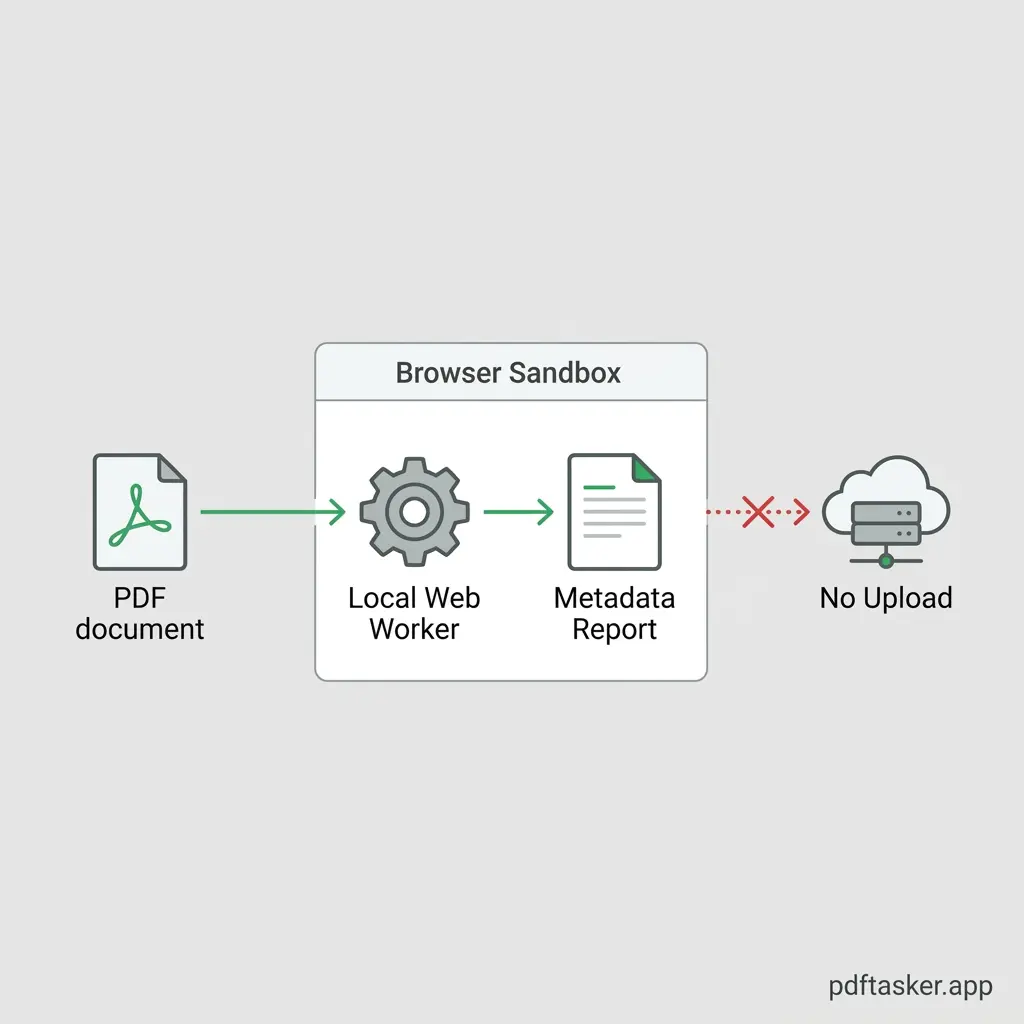
A simple checklist to check PDF metadata safely
To inspect your files safely, look for a client-side inspection process that operates entirely in the browser:
- Local parsing (Web Assembly/JS): Ensure the parser reads the PDF file layout locally. The document should never travel to a backend server for scanning.
- Sanitization check: Verify if the tool lists hidden components such as embedded annotations, form fields, and XML metadata blocks.
- Offline test: Test the inspection tool with your network connection disabled. A secure tool will parse the metadata structure offline.
- One-click removal: The tool should allow you to sanitize and download a clean copy of the document immediately after inspection.
Understanding what is inside your document is the first step to securing it. Make sure you inspect your files locally before sharing them.
PDFTasker
Clear Metadata