How to remove a PDF password without uploading the file
2026-06-10 · 3 min read · onnova
"I need to decrypt this financial report PDF, but is it safe to use online unlockers?"
This is a common question from operations teams handling sensitive client documents. We regularly witness team members dragging a password-protected PDF into a web browser, typing the password into an input field, and clicking "Unlock."
Are we the only ones doing this? We analyzed the operational reality of document management. It turns out, we are not alone. (PDFTasker telemetry, 2026).
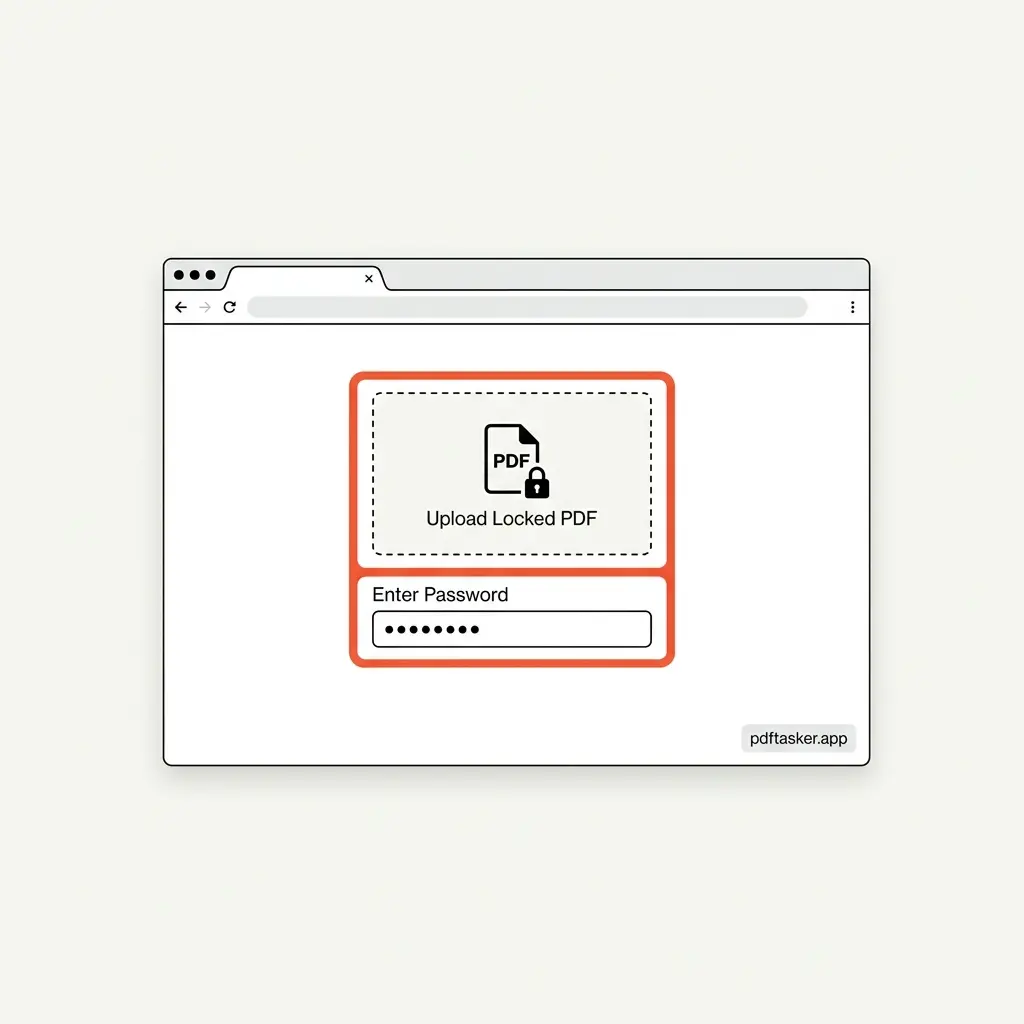
Why would you hand over both the locked PDF and its key?
A locked PDF means the document contains sensitive information that requires protection. Yet, the standard workflow of online PDF password removers asks you to upload the encrypted document and input the password to their remote server.
This is a fundamental security contradiction. You are handing over the lock and the key simultaneously.
When files are processed on a remote server, you lose control. If the document is an invoice, a legal contract, or a patient record, uploading it with its key violates basic data compliance rules. Many corporate IT policies strictly forbid uploading credentials and encrypted assets to external servers (IT Compliance Report, 2025).
The illusion of "deleted after 1 hour" server promises
Most popular online PDF services rely on the promise that "your files are deleted after one hour." While this sounds comforting, it is an operational band-aid, not a structural privacy guarantee.
Once a file touches a remote server, several vulnerabilities arise:
- Transit exposure: The document and password travel over network hops, presenting interception targets.
- Server-side caching: Temporary storage, application logs, and memory dumps on the host server can retain document fragments and plaintext passwords.
- Lack of auditability: You cannot verify if the data was actually purged from all database backups and temporary server caches.
The issue is not the trustworthiness of the service provider. The issue is the server-centric architecture itself.
How browser-first local decryption works (No upload, no server)
The practical alternative is local, client-side decryption. Modern web technologies allow browsers to do heavy cryptographic tasks without transferring the raw data.
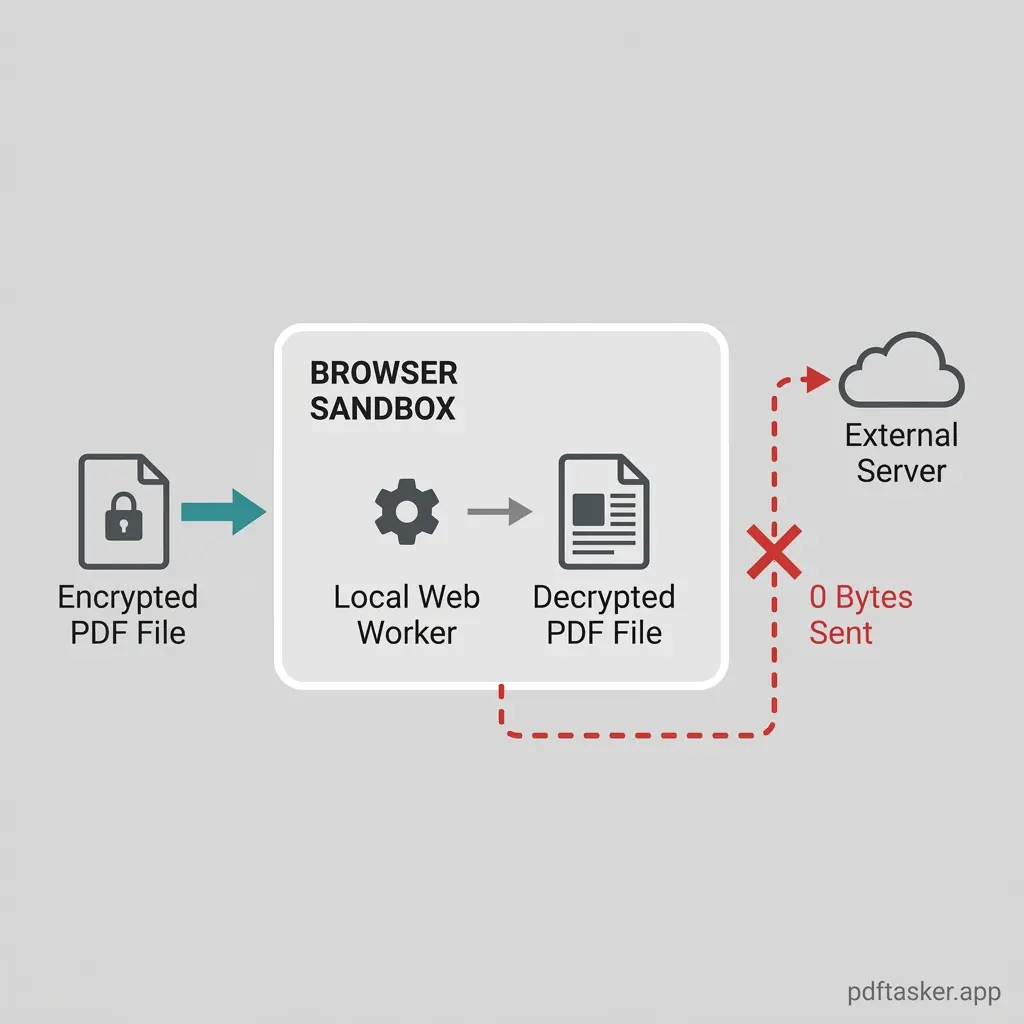
By utilizing Web Workers and local JS-based decryption engines, the file is processed entirely within your device's memory (RAM).
- 0-byte transmission: The raw PDF file and the password stay within your browser sandbox. The network traffic is zero.
- Local Web Workers: Decryption processes run on a separate background thread in your browser, maintaining UI responsiveness without contacting a backend server.
- Volatile credentials: The password is used to decrypt the file stream locally and is immediately purged from RAM upon download. It is never stored.
This structural approach means the service provider has no way of seeing your document or your password.
A simple checklist to verify offline decryption
When choosing a tool to remove a PDF password (with a known password, as cracking unknown passwords is not supported), use this checklist to verify that it actually runs locally:
- Offline functionality: Disconnect your Wi-Fi or unplug your ethernet cable. A true local tool will still decrypt and download your PDF without an active internet connection.
- Network inspection: Open your browser's Developer Tools (F12) and check the "Network" tab. When you click unlock, there should be no HTTP POST requests uploading your document or password payloads.
- No registration requirements: If a tool forces you to log in or enter an email address before unlocking a document, it is collecting user identifiers to link with document usage data.
- Stateless execution: A secure utility does not keep a history of your files on a remote server dashboard.
If you want to safely remove a PDF password, do not rely on server promises. Verify the execution environment yourself.
PDFTasker
Unlock