Convert a PDF to JPG or PNG without uploading it
2026-06-12 · 3 min read · onnova
"I need to turn these PDF slides into high-quality images for a presentation, but the document contains proprietary client data."
This is a scenario operations and marketing teams face daily. Whether you need to post a document page to social media, embed a layout in a slideshow, or upload a bank statement to a portal that only accepts images, you need to extract PDF pages as images.
However, using traditional cloud-based conversion sites means uploading your files to third-party servers. Let's look at how to convert PDF to JPG or PNG safely and locally.
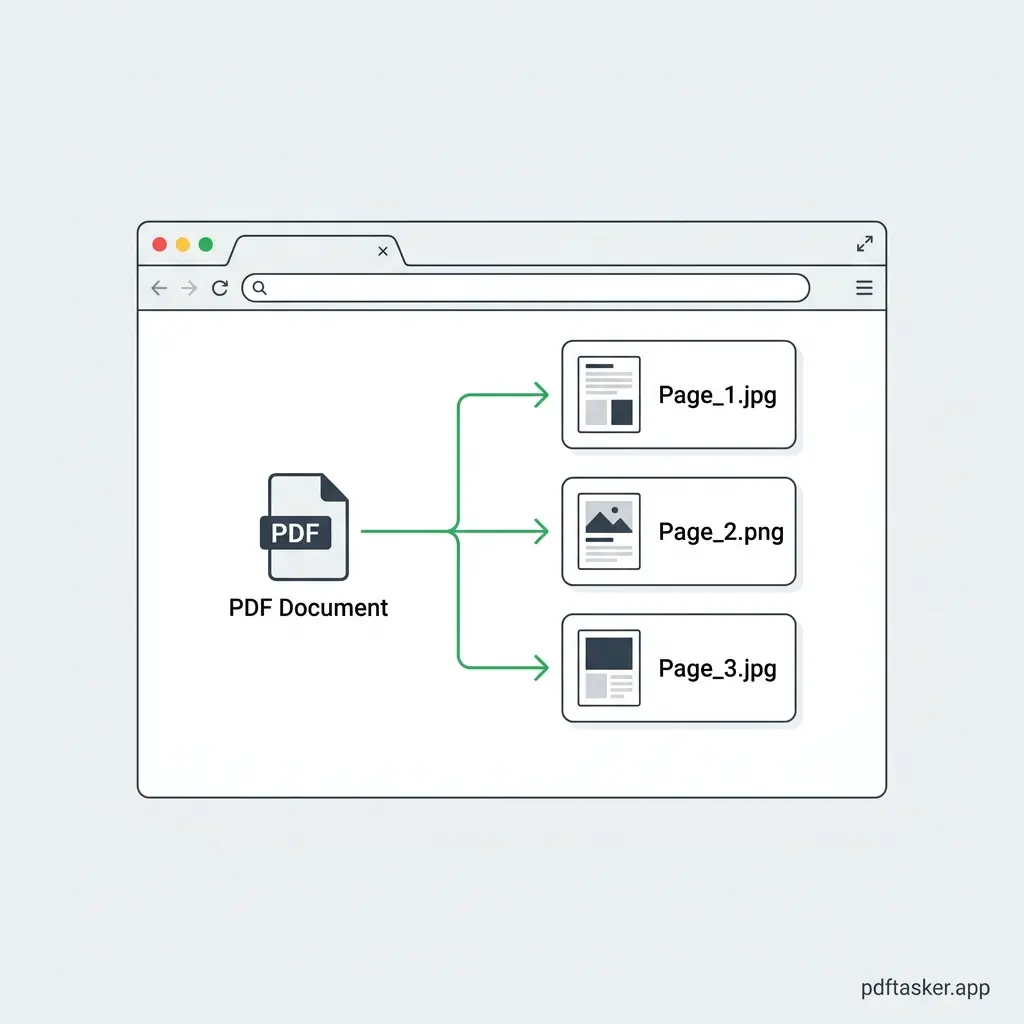
Why convert PDF to images locally?
Online conversion tools usually operate on a server-side model. You upload the PDF, their server renders the pages, compiles them into a ZIP file of images, and sends it back to you.
This workflow introduces critical privacy exposures:
- Data storage: Your file remains on an external server, subject to their retention and deletion policies.
- Compliance issues: Uploading documents with personal identification information (PII) or financial data violates data compliance rules like GDPR or HIPAA.
- Network dependency: Large files take time to upload and download, draining network bandwidth.
By switching to a local, browser-first tool, your file never leaves your computer. The conversion is instant because there is no upload time.
Choosing your format: JPG vs. PNG
Before starting the conversion, it is essential to understand which file format matches your requirements.
- JPG (Joint Photographic Experts Group):
- Type: Lossy compression.
- Best for: Standard documents, multi-page PDFs, and sharing via email where file size is the primary constraint.
- Characteristics: Smaller file sizes, but text details may show minor compression artifacts.
- PNG (Portable Network Graphics):
- Type: Lossless compression.
- Best for: Technical diagrams, documents with small text, screenshots, and presentations where pixel-perfect clarity is needed.
- Characteristics: Larger file sizes, transparent background support, and crisp text rendering.
How browser-based local conversion works under the hood
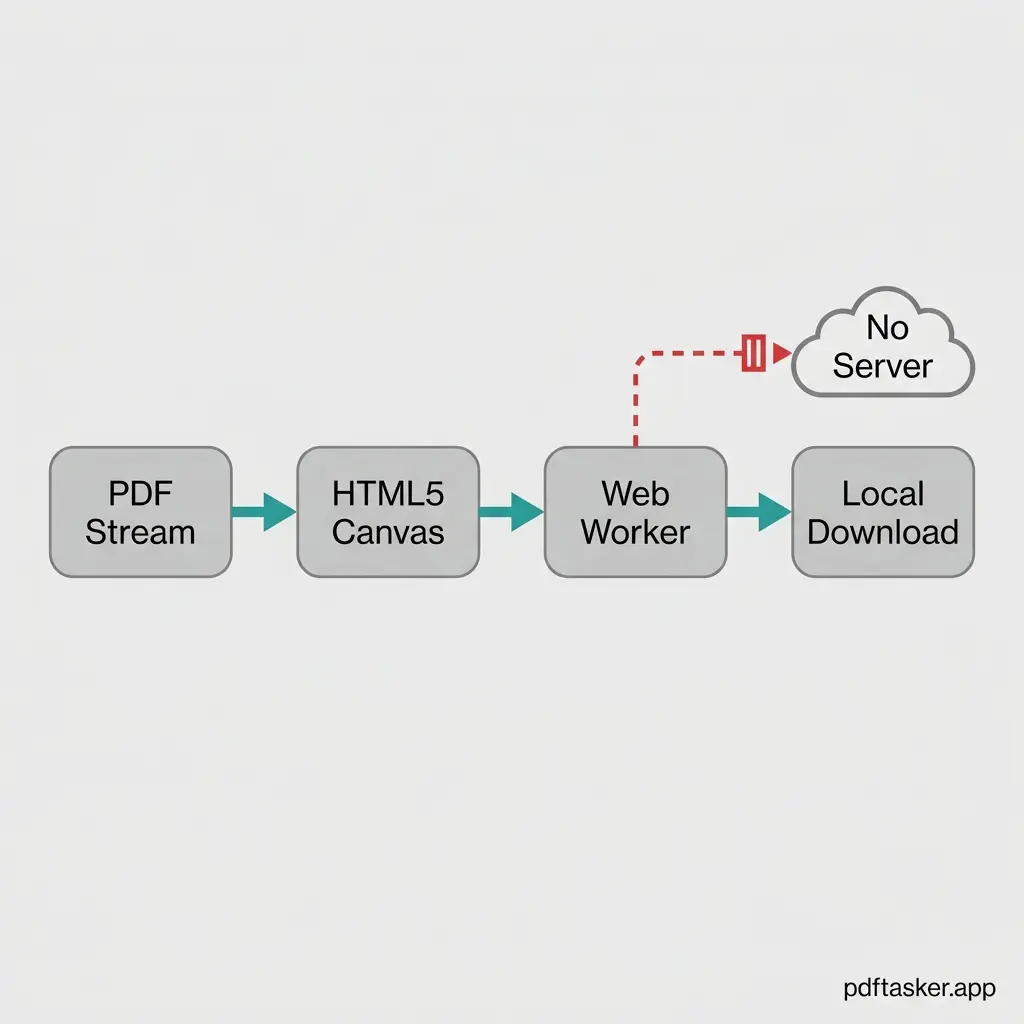
Local converters utilize modern web technologies to perform rendering tasks inside your web browser.
When you select a PDF file:
- Local load: The file is loaded into the browser memory sandbox.
- Canvas rendering: A local rendering library parses the PDF stream and draws each page onto an invisible HTML5 canvas element at your chosen resolution.
- Format conversion: The browser converts the canvas canvas pixel data into a JPG or PNG blob using local Web Workers.
- Immediate download: A local download link is generated, saving the images directly to your system.
No server transmission occurs during this entire sequence. The network tab remains empty.
A step-by-step guide to converting PDFs without uploads
Here is how to convert your PDF pages to image files using a secure, local-first utility:
- Access the local tool: Open the PDF to JPG or PDF to PNG tool in your browser.
- Select your document: Click the file selector and load your PDF.
- Configure output parameters: Choose between JPG and PNG formats, and set your desired render resolution (e.g., standard or high-resolution).
- Convert and save: Click the conversion trigger. The pages will render instantly in the browser. Save the individual files or download them as a locally compiled package.
- Verify security: Optional. Disconnect your internet connection prior to loading the PDF and executing the conversion to confirm the tool runs offline.
By managing the conversion process locally, you maintain absolute control over your document data.
PDFTasker
PDF to JPG