Compress and Merge Your USCIS Petition PDF to Fit the Filing Limit
2026-07-16 · 5 min read · onnova
You have a petition, a stack of scanned evidence, and an upload box that won't take all of it at once. USCIS's online filing portal enforces a per-document size cap, and evidence packets (pay stubs, photos, certificates, letters) add up fast once everything is scanned. Combine the whole stack into one ordered file, then shrink that file until it clears the cap. Cutting pages to make the file smaller just hands a reviewer an incomplete petition.
Why petition PDFs blow past the upload limit
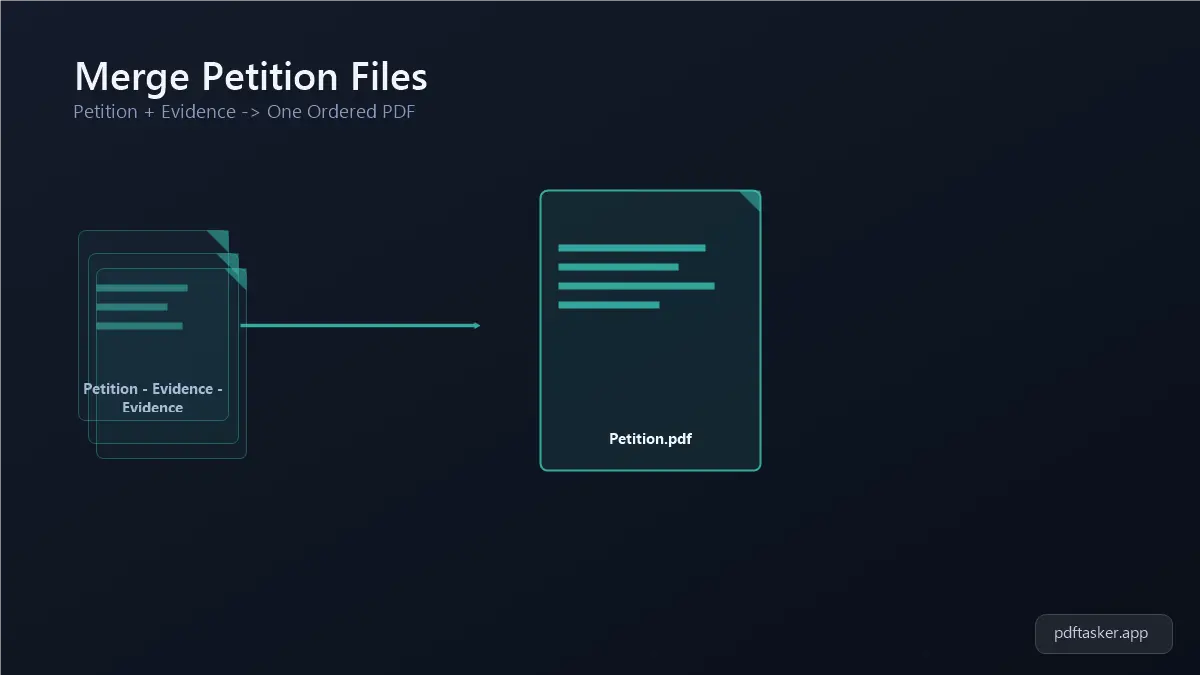
Most filers don't start with one big file. They start with a dozen small ones: the petition itself, plus a scan for every piece of supporting evidence. Each scan on its own looks fine. Stacked together, they're often two or three times the size the portal allows for a single document.
Scanning is usually the culprit. A photo of a pay stub taken on a phone, or a document run through a home scanner at a "just in case" resolution, can be five to ten times larger than it needs to be for something that only has to be legible on screen. Multiply that across ten or fifteen supporting pages and you've got a file that won't upload no matter how many times you retry.
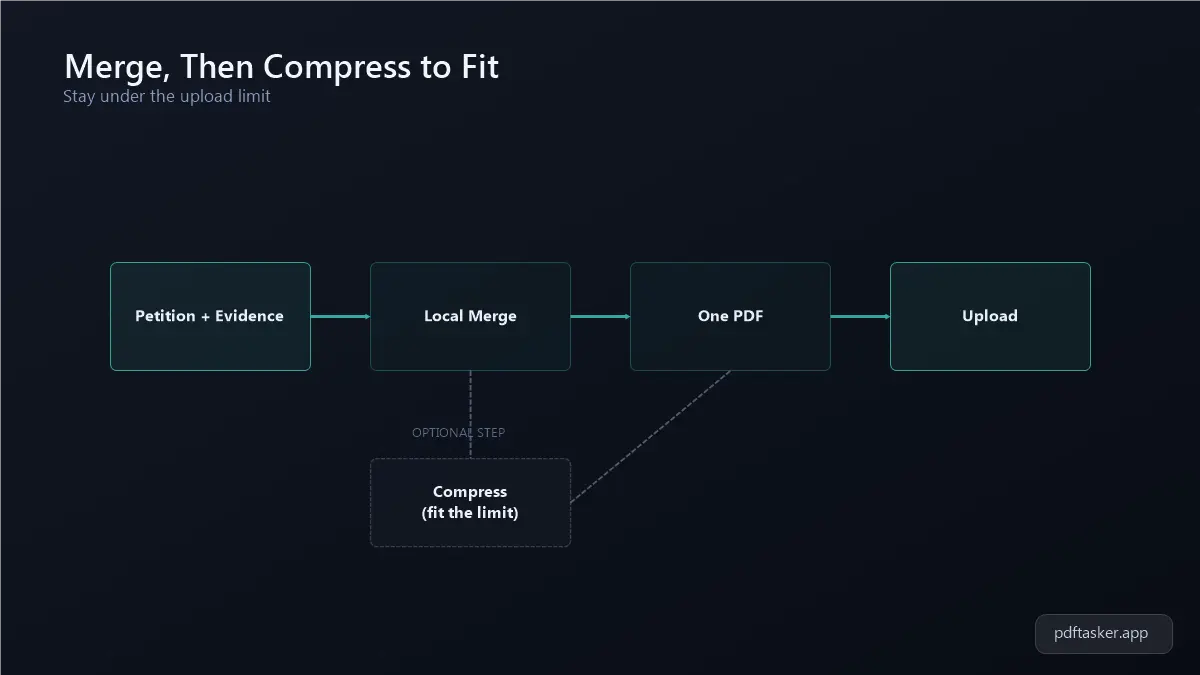
The other issue is order. Even when a filer manages to get every scan under the limit individually, USCIS instructions typically expect one coherent document per exhibit, not a folder of loose files. That means the real task has two parts: put everything in the right sequence, then get the combined result under the size cap.
Merge the petition and evidence into one file
Do the merge before you touch compression. Trying to compress a dozen separate PDFs one at a time, then hoping they still line up in order, is how pages go missing or end up out of sequence.
1. Gather every file into one folder
Pull the petition PDF and every evidence scan into a single folder on your computer, and rename them with a number prefix (01-petition.pdf, 02-paystub.pdf, and so on) so the merge order is obvious at a glance.
2. Open the merge tool and set the order
Open the merge tool, add all your files, and drag them into the exact sequence you want in the final document. Everything runs in your browser, so nothing gets uploaded anywhere just to get combined. The files stay on your machine the whole time.
3. Export and check the page count
Export the merged file and open it once to confirm every page landed where you expected. It's a lot easier to catch a missing exhibit now than after you've already compressed and are staring at the upload error again.
Compress the merged file to fit, without losing legibility
Now you're working with one file and one number to hit: the portal's size limit. This is where you compress the USCIS petition PDF down without turning a scanned pay stub into a smear of gray pixels.
1. Open the compress tool
Open the compress tool and load the merged PDF you just built. It processes the file locally in your browser using a Web Worker, so the petition never leaves your device during compression.
2. Start with a moderate setting, not the most aggressive one
Pick a middle compression level first rather than jumping straight to maximum. Scanned text and photo IDs get blurry fast under heavy compression, and a document a reviewer can't read clearly is worse than one that's slightly over budget.
3. Check the result against the size limit
Compare the compressed file size to the portal's stated cap. If you're still over, run it through the tool again at a stronger setting. It only takes a few seconds, since there's no upload wait either way.
4. Zoom in on the evidence pages before you file
Before submitting, zoom into the pages that matter most (signatures, dates, ID numbers) at 150 to 200 percent, and check that compression didn't blur exactly the details a reviewer needs to read. A file that clears the size limit but can't be read on the pages that count hasn't solved anything.
Habits that save you a resubmission
A few small habits keep this from turning into a repeat trip through the same process:
- Scan at a resolution meant for reading on screen, not for printing. You can always compress further, but you can't add back detail that was never scanned in the first place.
- Keep your original, uncompressed files somewhere safe until the filing is fully submitted and accepted, in case you need to redo the merge later.
- Compress after merging, not before. Compressing each small file on its own rarely gets you as close to the target as compressing the one combined file does.
- Re-check page order right after merging, since it's the step most likely to shuffle exhibits if files were misnamed going in.
None of this requires special software or a trip to a print shop. A merged, right-sized PDF is something you can build in a browser tab in a few minutes, using files that never leave your own computer.
If you're weighing this browser-based workflow against upload-first PDF services, our comparison page lays out exactly where each approach sends your petition documents.
PDFTasker
Compress